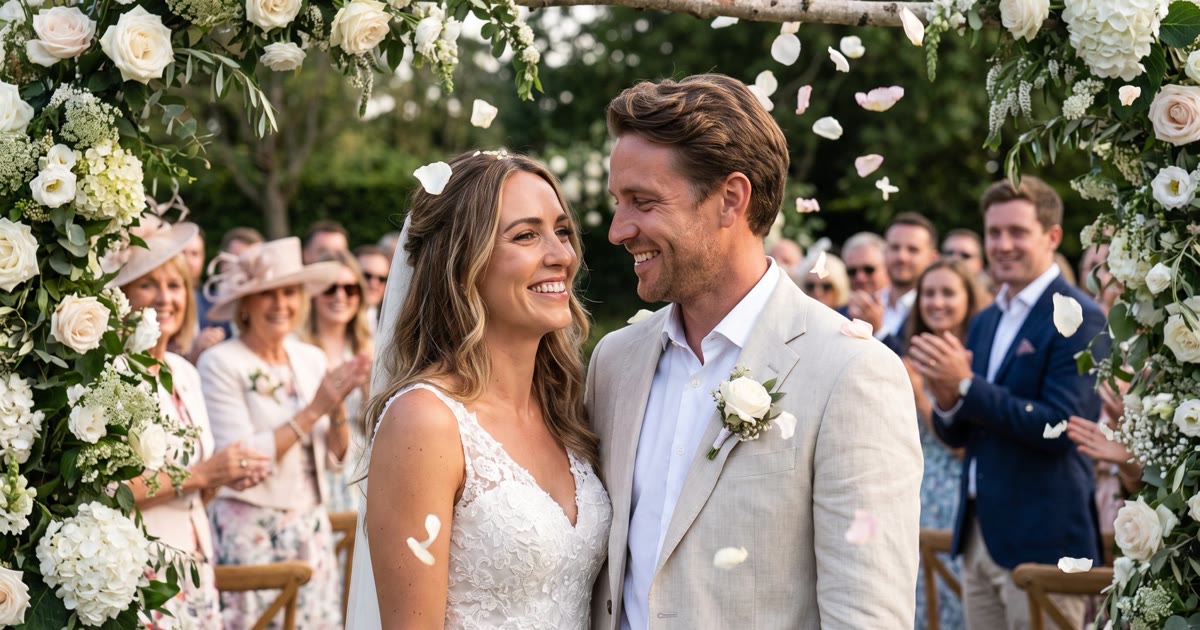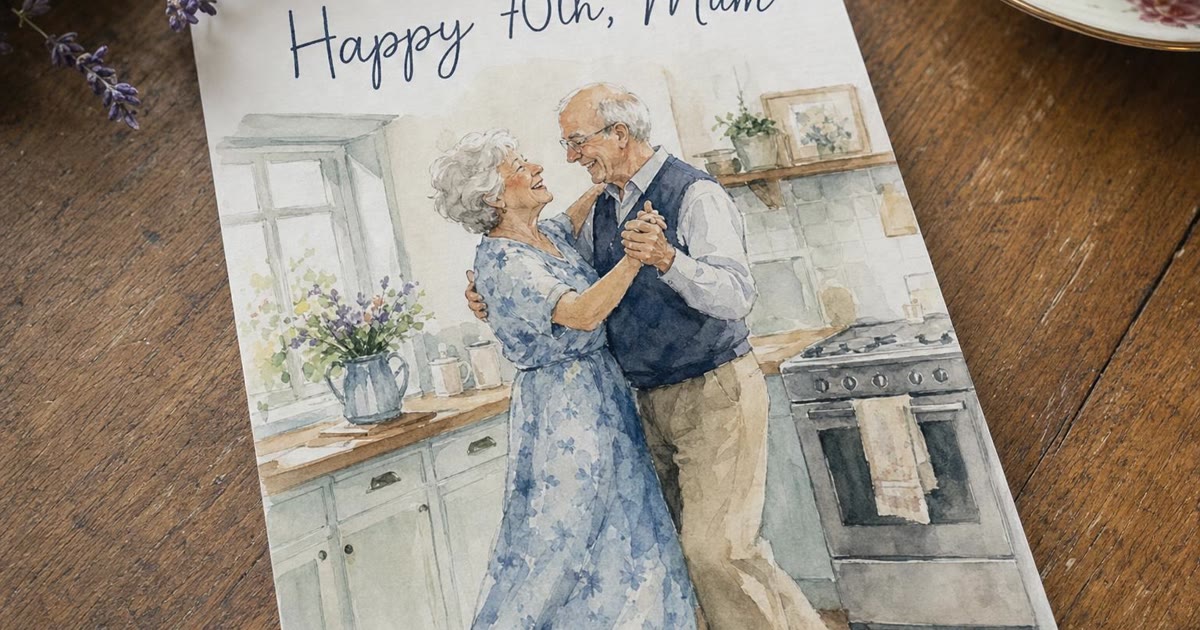
To bring a family photo to life, add one photo where the people you want are already together and their faces are easy to see, describe one small moment with a clear end and one or two sounds, and let a video model play the photo forward as a clip of 5 to 10 seconds. On Wish Generator, Auto (MiniMax H3) does this with sound at the best value; Wan 3.0 Prime suits a quiet anniversary moment and Kling 3.0 a busy birthday table. Then schedule the clip so it arrives on the morning of the day.
The rest of this guide is about the two things that decide whether Grandma watches it twice or says "how modern" and puts the phone down: the photo you pick and the sentence you write.
What the model actually does with your photo
Your photo becomes the first frame. The model has never met your family: it looks at that one picture and guesses how the next few seconds go - who turns, who laughs, which way the curtain moves. Everything it animates has to be in the frame already. It cannot bring in the cousin who was holding the camera. So the photo and the words matter more than the model, which comes third.
Which photos come to life well
The faces are clear and not tiny. A well-lit photo where each face fills a fair share of the frame beats a wide shot of the whole garden. A face the size of a fingernail gives the model very little to hold on to.
Everyone is already in it. If Mum is in one photo and Dad in another, make a photo card with both of them first, then bring the card to life. A picture holds up to six people; faces stay most reliably themselves with four or fewer.
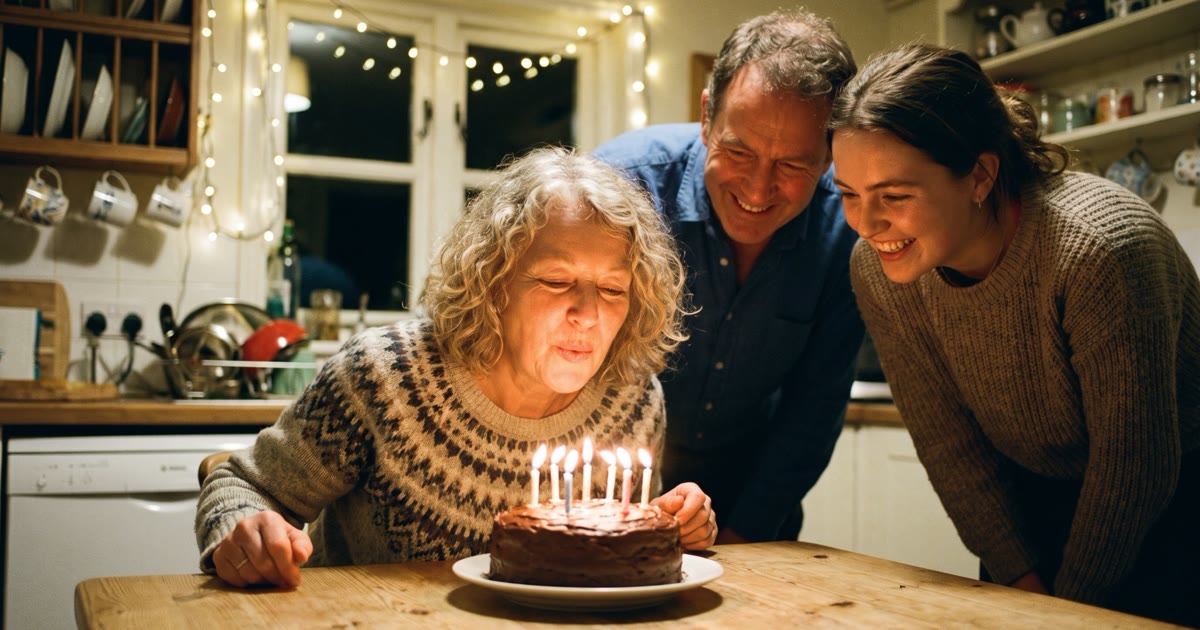
Something is about to happen. A raised glass, lit candles, a couple mid-dance. That animates more naturally than a row of relatives standing to attention, who give the model no reason to move.
Old photos are fine. Scan the print or photograph it, add it as JPG, PNG or WebP up to 10 MB, and keep the motion small: a glance, a smile, a veil lifting.
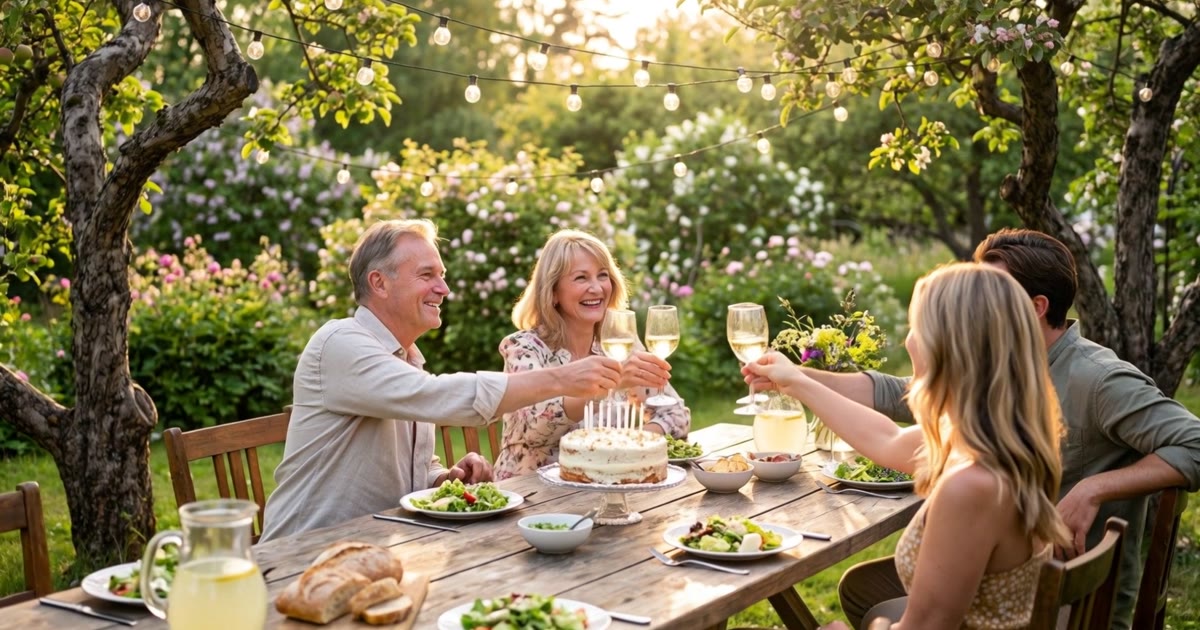
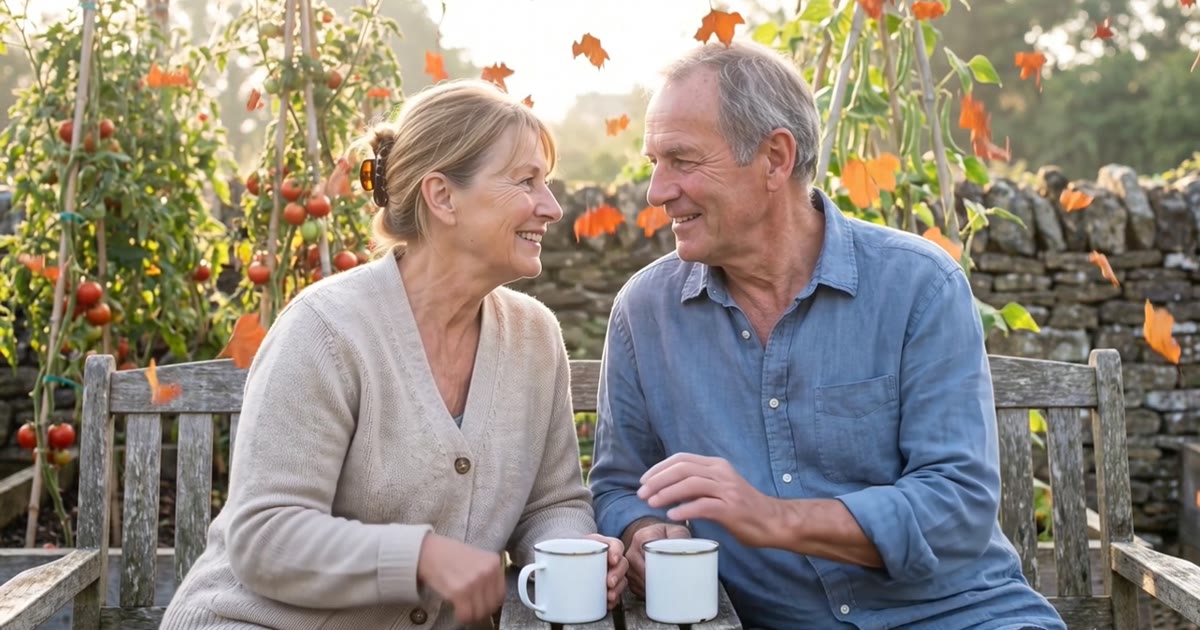
Our examples start from pictures we generated - we are not putting a stranger's grandparents on the internet - but the steps are the same with your photo. This is the still, a scene picture drawn with Nano Banana Pro.
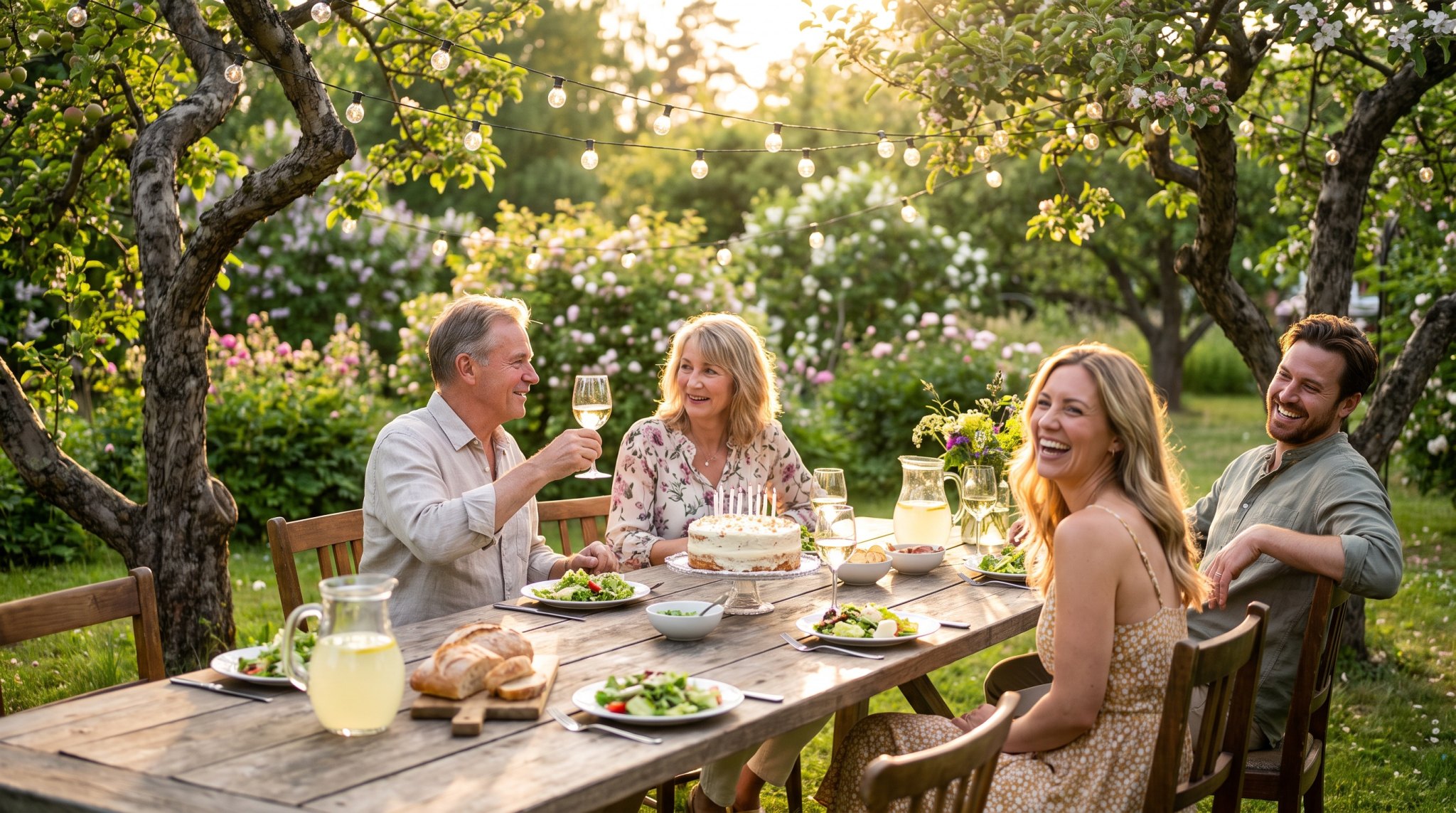
And this is the same picture after Kling 3.0 played it forward for five seconds in 1080p, with sound. The glasses go up, the grandmother wipes a happy tear, and you hear clinking, laughter and birds. Everyone was already at the table, and a raised glass is a moment that wants to finish.
What to write: motion, camera and sound
Write the clip the way you would brief a patient camera operator who has never met your family.
Who moves, and how much. "He takes her hand" works. "They are happy" does not, because a feeling is not a movement. Point at people by where they are in the photo - "the man at the head of the table" - since the model has no idea which one is Grandpa.
One moment with an end. Five seconds holds one gesture; ten holds a slow one. Put six actions in one prompt and you tend to get a crowded clip where nobody finishes anything.
The camera and the sound. "Steady camera" for a quiet moment, "slow push-in" if you want it to feel like a film. Then one or two sounds: clinking glasses, birdsong, waves, an old waltz. A whole soundtrack in one sentence tends to come out as noise.
What people usually type"make this photo come alive for mum's birthday"
What we typed for the garden table"The family around the long garden table raise their glasses together and laugh, grandmother at the head of the table smiles and wipes a happy tear, leaves move in a light breeze, warm golden light, natural gentle camera push-in, sounds of clinking glasses, laughter and birdsong"
One action for the group, one for the grandmother, a line each for light, camera and sound.
"One movement with an ending beats five movements that never finish.
How to bring a photo to life, step by step
Pick the photo
Choose one photo where the people you want are already together, with clear, well-lit faces. If they are in separate photos, make a photo card of everyone first; four people or fewer keep their faces most reliably.
Start a video greeting
Tell the agent in the chat what you want - "Bring this photo to life for Mum's 70th" - and it asks a few questions, one at a time, with buttons. Or switch to Standard, choose Video and add the photo from your device, your library or People.
Describe one moment
Say who moves, how much and how the moment ends: "the man at the head of the table raises his glass, everyone follows, the woman beside him laughs". Give the light one line and the camera one line, then stop.
Name the sound
Write one or two sounds you want to hear. MiniMax H3 always adds sound. On Kling 3.0, Veo 3.1 and Wan 3.0 it is a switch: silence costs less per second on Kling and Veo, while Wan charges the same either way.
Choose the model and the length
Leave the Model picker on Auto (MiniMax H3) for most greetings. Pick Wan 3.0 Prime for a calm moment, Kling 3.0 for a busy table or a longer take, Veo 3.1 for singing. The price is on the button before you press.
Watch it, then send it on the day
Watch with the sound on and check every face. If something is off, change one thing - the action, the sound or the model. Then schedule the clip by email, SMS or a popular messenger for the morning of the day.
Which model for which moment
Leave the picker on Auto unless you have a reason not to. Auto means MiniMax H3, the engine behind every video scene in the catalogue.
| Model | Pick it for | Length | Sound |
|---|---|---|---|
| MiniMax H3 (Auto) | Most greetings, every video scene, best value | 5-10 s | Always on |
| Wan 3.0 Prime | A quiet moment in a steady frame | 5 or 10 s | On or off, same price |
| Kling 3.0 Pro | A whole table moving at once, longer takes | 5-15 s | On or off, silent costs less |
| Veo 3.1 | Singing and voices, a cinema look | 4-8 s | On or off, silent costs less |
| Talking card | The person says your words | Up to 15 s of speech | A catalogue voice |
Wan 3.0 Prime from Alibaba is the anniversary model more often than you would expect. We tag it "Steady loops": it is at its best with a still camera and one small movement. For the clip below we asked for very little - the couple lean their heads together and smile, he takes her hand, leaves fall slowly, soft afternoon light, a very steady camera, quiet birds. Five seconds, 720p, sound on.
Kling 3.0 from Kuaishou sits at the other end: smooth motion when many people move at once, 1080p, and up to 15 seconds, the longest in our picker. Veo 3.1 from Google makes the sound in the same generation as the picture, so pick it when the family in the clip should sing. Its clips run 4 to 8 seconds, and sound on costs more per second.
Birthday or anniversary: moments that suit each
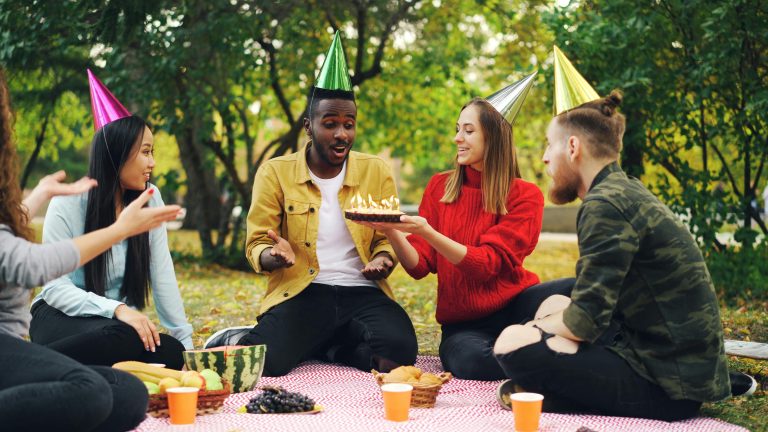
For a birthday, the moment usually involves a cake, a glass or a hug: the last candle going out and the clapping after it; the whole table standing to toast. Busy moments with a clear end suit H3 and Kling.
For an anniversary, quieter usually wins. A wedding photo from thirty years ago with a slow turn on the dance floor, given ten seconds with Wan and an old waltz in the sound. Two people on the bench where they always sit.
If no photo fits, the catalogue of scenes has ready moments. You add a photo of each person, we make the card with their faces in it, and MiniMax H3 animates it with the scene's motion and sound, in about 3-6 minutes. For a couple, "One blanket, one sunset" is a hilltop at sundown with both of them wrapped up tight. Below, it has the people it was drawn with; add your two photos and the faces are yours.
When a moving photo is the wrong choice
When the person should speak. A moving photo gives you the sound of the moment, not your words in their mouth. For that, make a talking photo card: one photo, a voice, up to 15 seconds of speech.
When the message is long. Ten seconds holds a moment, not a speech: put the words in the text greeting that goes with the clip (text is free), a voice greeting or a song.
When the photo is of someone who has died. Some families love seeing Grandpa raise his glass again; for others, a moving face of someone they lost is too much. Ask the person closest to him before you send it to the whole family chat.
Questions people ask
Can I bring an old family photo to life?
Yes. Scan the print or photograph it and add it as JPG, PNG or WebP up to 10 MB; it becomes the first frame of the clip. Ask for small movements - a glance, a smile, a head turning. If the people you want are in separate photos, make a photo card with all of them first.
Is it free to animate a photo?
No, a video costs credits - more than a still photo card - while text greetings stay free. Every new account gets 1,000 free credits at sign-up, enough to try a short clip. The price is on the button before you press, and a failed generation gives the credits back.
How long does it take to bring a photo to life?
Plan for minutes rather than seconds. A scene video - the card with your people first, then the animation - takes about 3-6 minutes. Make it a day early, leaving time for a second take, then schedule it to arrive on the morning of the day.
Can the person in the photo say happy birthday?
Yes, but that is a talking card rather than a moving photo: the photo speaks your greeting in the voice you pick, with up to 15 seconds of speech. Kling AI Avatar v2 moves the face and head; OmniHuman 1.5 moves the whole person.
Which AI is best for bringing a photo to life?
For most family photos, MiniMax H3, the Auto choice: the best value, and it always has sound. Pick Wan 3.0 Prime for a calm moment in a steady frame, Kling 3.0 when a whole table moves or you need up to 15 seconds, and Veo 3.1 when the people in the clip should sing.