To get a greeting to someone on the morning of their day, write it a few days early, choose how it travels and schedule it. In Wish Generator you pick email, SMS or a messenger, then On the morning of, and the greeting goes out at 9:00 on the date you set, with the card or video if you made one. If the person lives in another time zone, choose Pick a time instead and set the hour that is 9:00 for them.
Why the morning is worth aiming for
A birthday has a shape. The morning is quiet: people check their phone over the first coffee, and the first message of the day gets read properly, sometimes twice. By lunch the family chat is a column of "Happy birthday!!!" with balloons. By evening the person is out, or tired, or on the phone with an aunt who wants the full medical update.
The morning message is also the one you cannot make up for later. You can call in the evening and bring the present at the weekend, but "I thought of you first thing" only works if it arrived first thing.
"A greeting that arrives at 9:00 gets read. One that arrives at 22:40 gets acknowledged.
Pick the channel by the person, not by habit
Every channel carries the same thing: the words, plus the card or video, as one link in one message. What changes is whether they look there in the morning.
| Channel | What arrives | Best for | Watch out for |
|---|---|---|---|
| The card right in the body of the letter, nothing to download | A card or video worth a proper look; people who read mail over breakfast | Work addresses on a day off; people who open email once a week | |
| SMS | A short link that opens on any phone | Parents and grandparents who ignore email but read every text | The number needs its country code |
| Messenger | The first greeting is a link you forward; after that, greetings arrive by themselves | Friends and siblings who live in chats | That first greeting waits until the link is opened, so it may not land at 9:00 |
| Just a link | A link you copy and paste anywhere | A family group chat or a direct message | Nothing is scheduled: you are the one who posts it in the morning |
The messenger channel runs through Telegram today; for WhatsApp or a family group, take Just a link and paste it in yourself. The rule of thumb: send it where they already look first thing. Grandpa, who reads every text and has never opened his inbox on purpose, gets an SMS.
Set the reminder a week before, not the night before
Greetings rarely arrive late because of the channel. They arrive late because someone remembered at 23:30 the night before. The dull fix works: save the date once.
You choose when to hear about it - a week before, three days before, on the day, or any mix. A week before is the useful one: time to ask your brother for the photo where Dad is actually smiling, or to decide this year calls for a video rather than a card. Keep "on the day" ticked as a safety net.
The reminder does not arrive empty. The first one for a date brings a greeting already written (text is free) and two buttons: one opens it ready to send, the other opens the scenes for a photo card. Nothing goes out from the reminder itself, and once the greeting is scheduled, the later reminders for that date stay quiet.
Time zones: the slip that sends a birthday greeting a day early
On the morning of means 9:00 by the clock of the device you schedule from. If you share a time zone, that is all you need. If not, 9:00 your time can be the middle of their night or the end of their working day.
Use Pick a time and do the sum once. Say your sister is ten hours ahead and her birthday is 3 October. Her 9:00 on the 3rd is your 23:00 on the 2nd, so schedule it for 23:00 on 2 October. Pick 9:00 on the 3rd by habit and it reaches her at 19:00, when most of her day has already happened. The other direction is kinder: for someone seven hours behind, their 9:00 is your 16:00 on the same date.
Two small traps. Countries move their clocks for summer on different dates, so the gap between two cities can shift by an hour for a few weeks in spring and autumn - check it for that week. And if you schedule while travelling, your phone may already be on local time.
"Nine in the morning on their clock, not yours.
What to send first
The morning message has one job: to be the first warm thing they read. It does not have to be the whole present.
What people usually send at 9:00"Happy birthday!!! Wishing you an amazing day filled with love, laughter and joy, you deserve it all!"
What works better in the morning"Happy 70th, Mum. You are the reason Sunday lunch still happens. We are all calling at seven tonight - this is so you hear it from us first."
Short, one real detail, and a plan for later. The morning message sets up the call; it does not replace it. If the detail is the hard part, see how to write a heartfelt birthday message.
Then decide whether something should travel with the words. Text is free, and for plenty of people a good text is enough. A photo card puts faces next to the words. A video costs more than a card and earns it when there is a moment to show: candles, a toast, the whole family around one table.
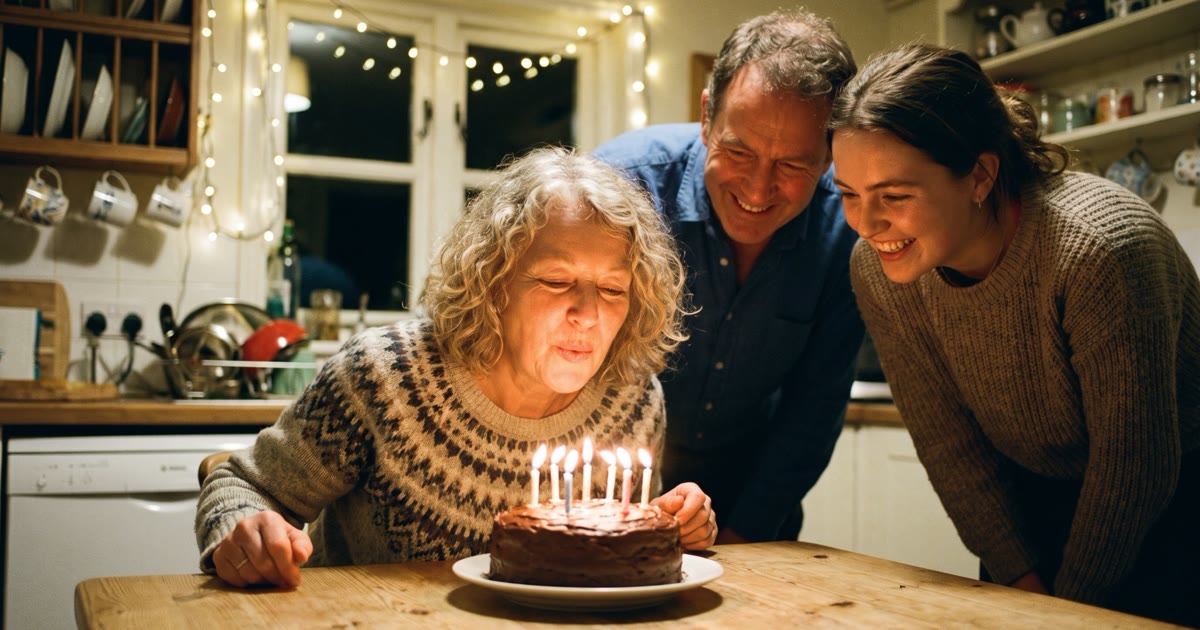
This is "Make a wish, Mum" from our scene catalogue: a kitchen birthday, the candles out in one breath, then clapping and a hug. We animated it with MiniMax H3, with sound. You add your people's photos and the scene is made with them in it, which takes 3-6 minutes - so make it the evening before, not at 8:55.
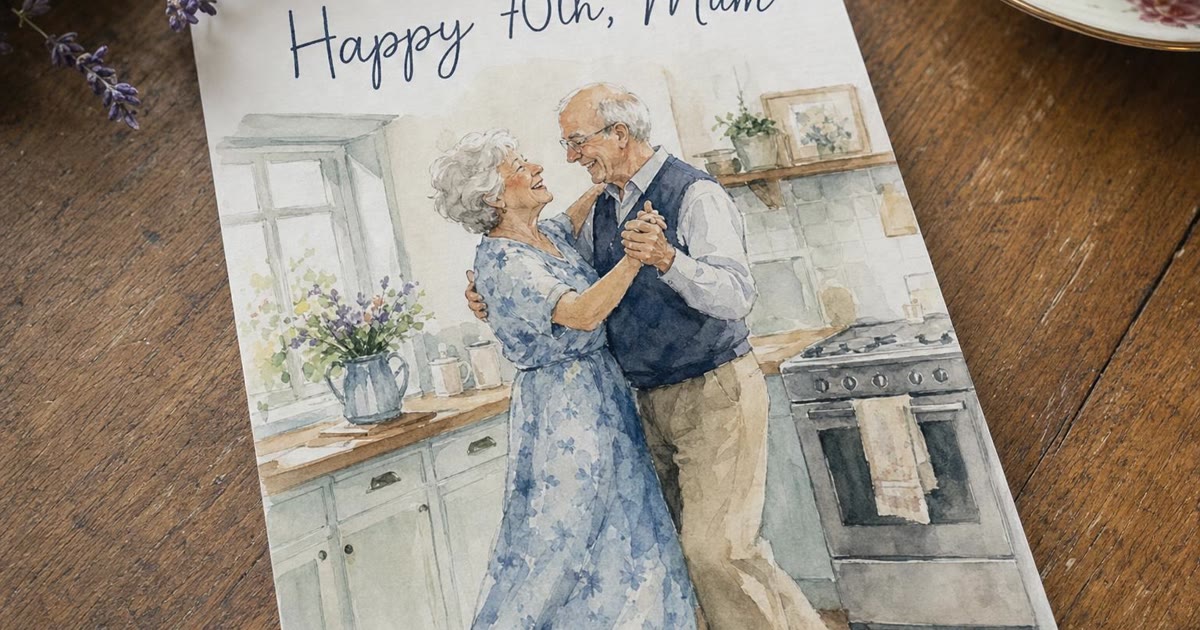
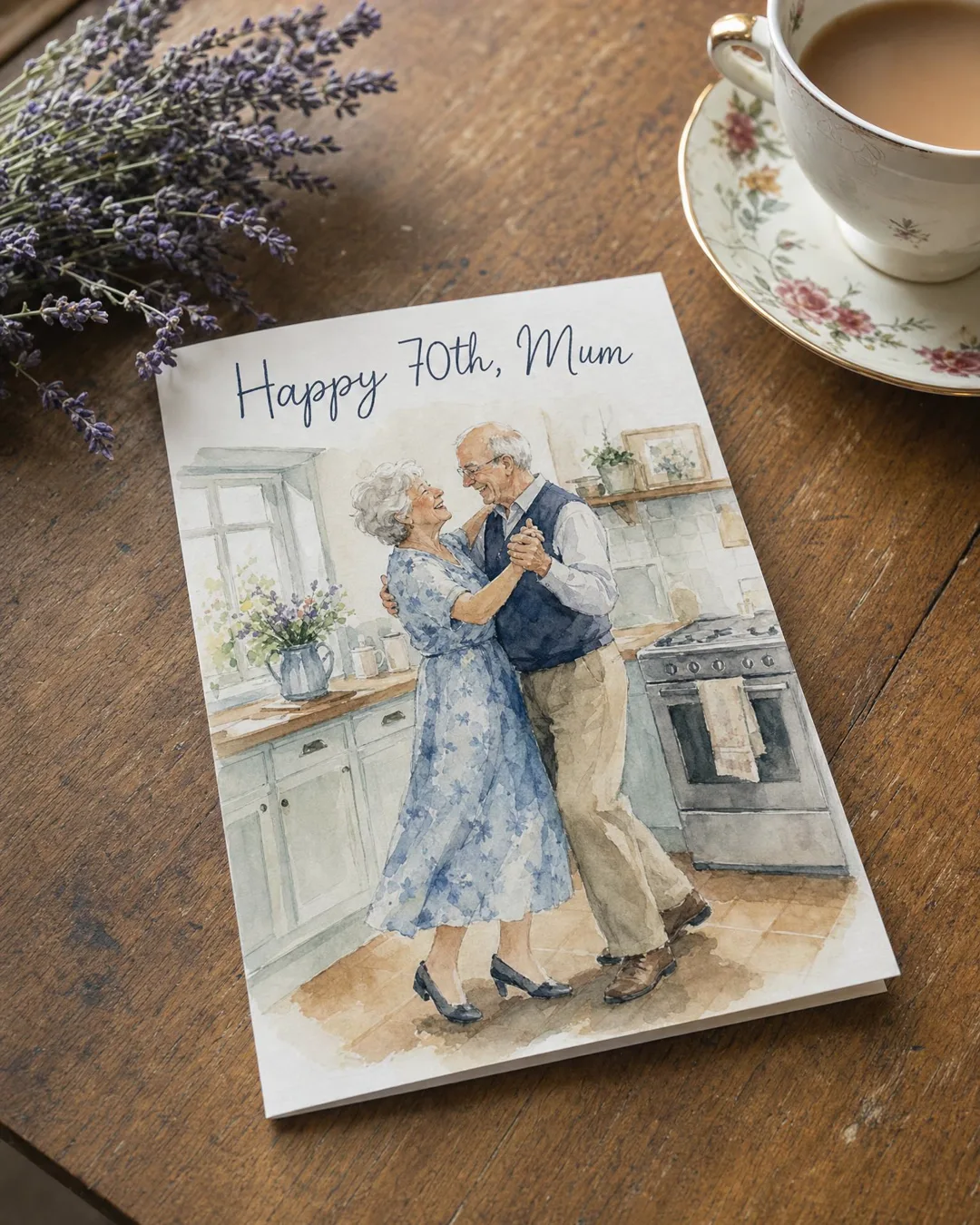
When the card itself carries the words, email suits it, because the card sits in the body of the letter. We made the one below with GPT Image 2, which draws lettering right. Read the name on it before you schedule anyway.
And when you are the one who cannot be there, a talking card does what a text cannot. In our example a grandmother's photo says the greeting in a catalogue voice. Talking cards run up to 15 seconds of speech, so the words stay short - which suits a morning message anyway.
How to schedule a greeting for the morning, step by step
Save the date
Add the birthday to the person's card under People, or to Reminders, and tick a week before and on the day. From then on it comes round every year, and the reminder brings a greeting to start from.
Write the words
Start a greeting and tell the agent who it is for and one thing about them, or open the one waiting in your reminder. Change at least one line so it sounds like you, and say when you will call.
Add a card or a video if it earns its place
Pick a scene or add their photos, then check every face. The price is on the button before you press it, and a failed generation gives the credits back. Text stays free.
Choose the channel and the person
Email, SMS or a messenger. The address comes from the person's card, or you type it in; phone numbers need their country code. For a family group chat, take Just a link and post it yourself.
Choose when
On the morning of sends at 9:00 on the date you pick, by your device's clock. Pick a time sets any hour - the one to use for another time zone. A greeting can wait up to a year.
Preview it, then schedule it
Press Preview it first to see what they will get, then Schedule it. Until it goes out, you can move it to another time or pull it back from the list of greetings still to go.
Every year, without having to remember
On paid plans (Plus and up, see pricing) you can tick Every year on this day when you schedule, or switch on Send it for me on a reminder. Three days before the date we write a new greeting and send it to you to check - change it or stop it. On the day at 9:00 it goes to them, and it is never last year's text again.
It suits the godson, the old friend from school, the colleague you want to reach without fail. For your mother, use the three days honestly: read it and add the one line only you could write. An automatic greeting nobody read before it left tends to sound like one.
Questions people ask
Can I schedule a birthday message in advance?
Yes. Write the greeting, choose email, SMS or a messenger, then pick On the morning of or Pick a time and press Schedule it. A greeting can wait up to a year. Until it goes out, you can move it to another time or pull it back, and the sending itself costs nothing.
What time does a scheduled birthday greeting arrive?
At 9:00 on the date you pick, if you choose On the morning of. The time follows the clock of the device you schedule from, so for someone in another time zone use Pick a time and set the hour that is their morning. For a person ten hours ahead of you, that is 23:00 the day before, your time.
Can I schedule a video or a photo card, not just text?
Yes. The words, the card and the video travel together as one link in one message, by email, SMS or a messenger. Make the card or the video first, check the faces, then schedule it like a text. A scene video takes 3-6 minutes to make, so leave it for the evening before rather than the morning itself.
Will I get a reminder before the birthday?
Yes, once the date is saved. Choose a week before, three days before, on the day, or several of them. The first reminder comes with a greeting already written, which you can send as it is, change, or turn into a photo card. A birthday saved on someone's card under People gets its reminder automatically.
Is it free to schedule a greeting?
Scheduling and sending are free, and so is the text. A photo card, a video, a song or a voice costs credits, and the price is on the button before you press it. You get 1,000 free credits at sign-up. A greeting written and sent for you every year needs a paid plan: Plus, Family or Pro.